

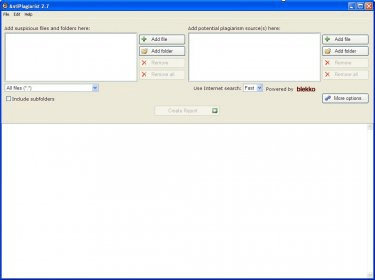
Sometimes, students want to cheat their teachers by copying one another's homework reports. This can occur at work too, when employees copy/paste old reports in order to skip their work. This program lets you compare two different files to find out if one was plagiarized from the other. You only need to add the suspicious file to the left window, and the possible plagiarism source to the right one. When you click on the 'Create Report' button, the program will compare both files and will create a report showing the lines or paragraphs processed in each file and the similar fragments found, so you can decide if the text was plagiarized or not.
You can set up several options to customize the program; for example, you can set the number of lines or words that must be matching for a text to be considered plagiarized, among other options. Interestingly, the program also allows you to compare entire folders of documents, so you don't need to compare the documents contained in them one by one.
Besides being useful in terms of comparing texts with each other, the program allows you to compare texts written by yourself in order to detect repetitive sentences or words that you tend to use recurrently in your letters, reports, e-mails and so on. Thus, you can change them to add more variety to your style.





Comments